 Download
 Facebook
 Twitter
 Google+
Alpine.js docs search workflow for Alfred
An Alpine.js docs search workflow for Alfred.

Installation
- Download the latest version
- Install the workflow by double-clicking the
.alfredworkflowfile - You can add the workflow to a category, then click "Import" to finish importing. You'll now see the workflow listed in the left sidebar of your Workflows preferences pane.
Usage
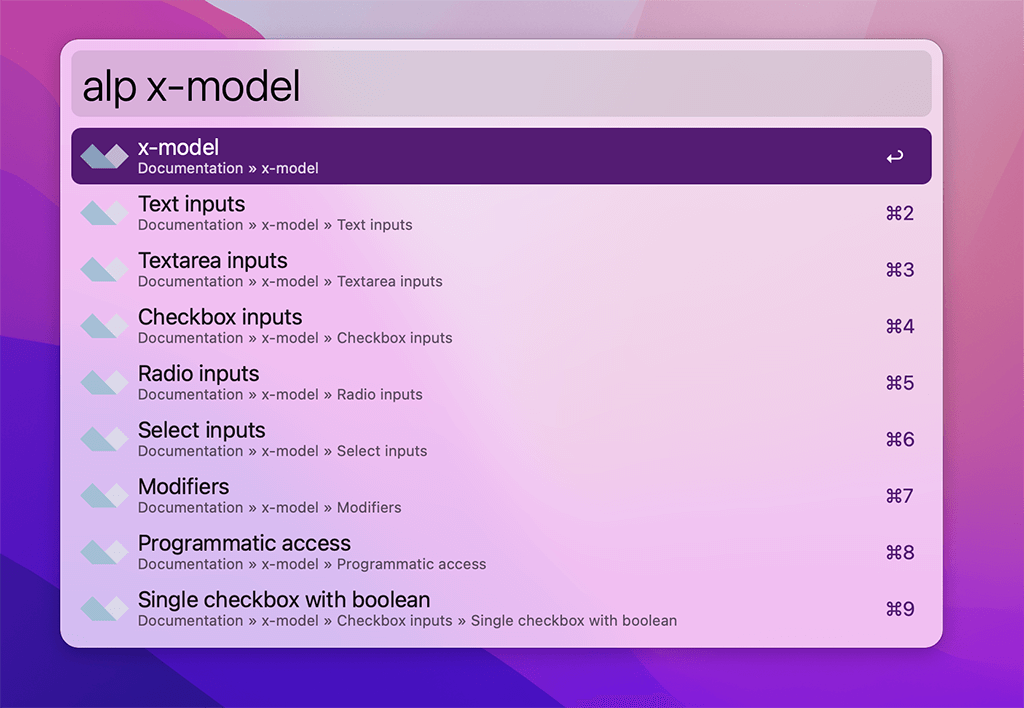
Just type alp followed by your search query:
alp <query>
alp x-model
Either press ⌘Y to Quick Look the result, or press <enter> to open it in your web browser.
Credits
This workflow is based on Till Kruss' Laravel Docs workflow.