 Download
 Facebook
 Twitter
 Google+
Browse and manage the installed extension
Usage
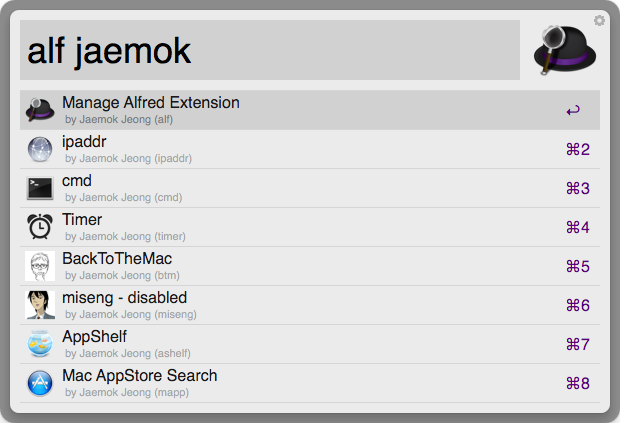
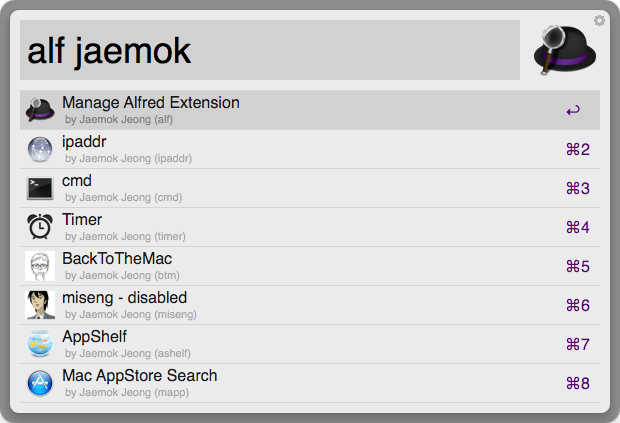
- alf :: display the installed extensions
alf :: search extension by title, author name, and keyword
enter :: Browse the installed folder in Alfred
- ctrl :: Reveal the installed folder in Finder
- shift :: Execute extension with the first keyword
- cmd :: Open terminal in the installed folder
- shift :: Export the extension for distribution (Default: ~/Downloads, you can customize it with export.json file)
- fn :: Enable or Disable an extension
export.json
The file format is as follows:
{
    "workflow-export" :
        {"directory" : "~/git/alfred-extension/managealfredextension",
         "enable": true},
    "source-export":
        {"directory" : "~/git/alfred-extension/managealfredextension",
         "enable": false}
}
- 'workflow-export' specifies the directory where .alfredworkflow is exported.
- 'source-export' specifies the directory where extension source is copied.
If there is no 'export.json' file or there is an error in 'export.json' file, ~/Downloads directory is used for workflow export.